How to get the models
Most 3D models are available through 3D Warehouse, SketchUp’s online library for 3D models.
You only need to sign in once with a free Trimble ID to access and download models there.
You can open 3D Warehouse in your browser.
Each object on this site includes a direct 3D Warehouse link and an exact search name.
If a link does not work, copy the search name and paste it into the 3D Warehouse search field.
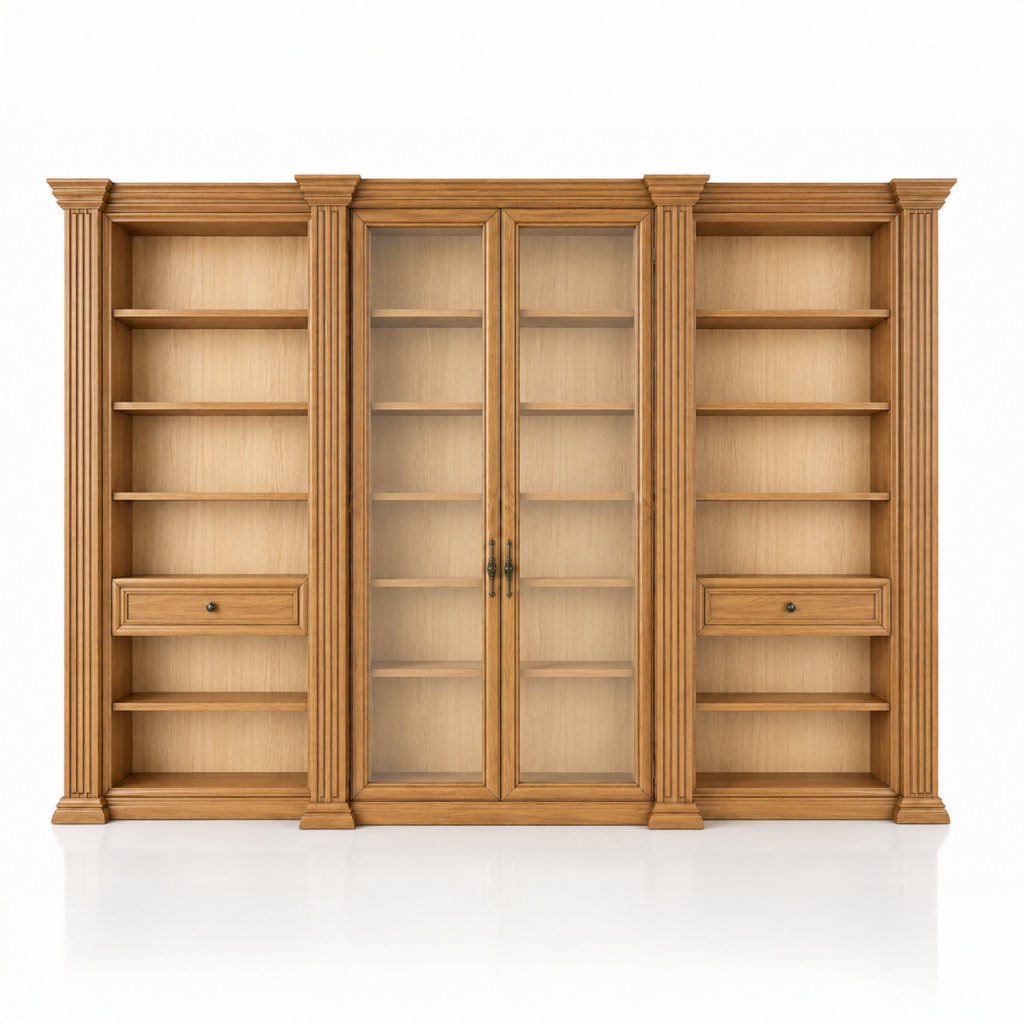
AURELIA
View on 3D Warehouse
Search name:
RC-AURELIA Classic Bookcase Cabinet
View details
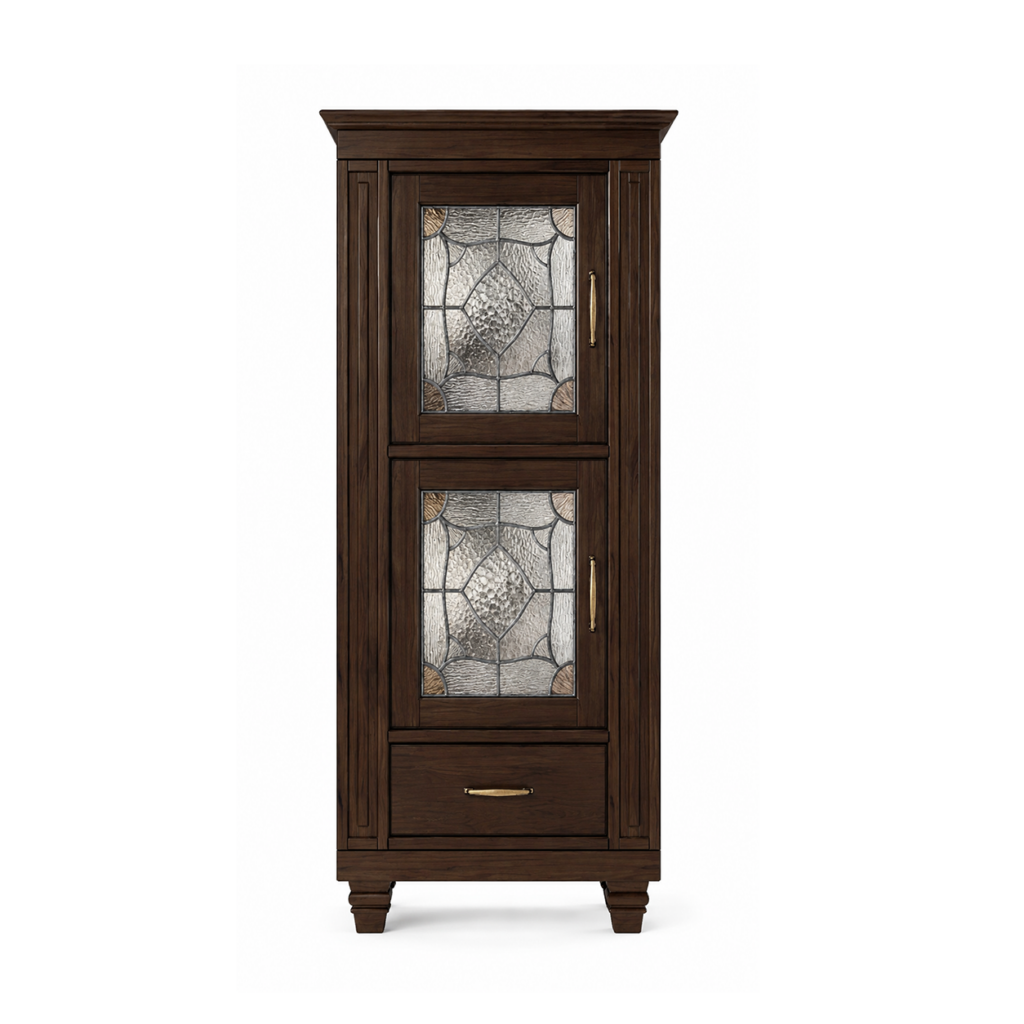
BRENTA
View on 3D Warehouse
Search name:
RC-BRENTA Leaded Glass Cabinet
View details
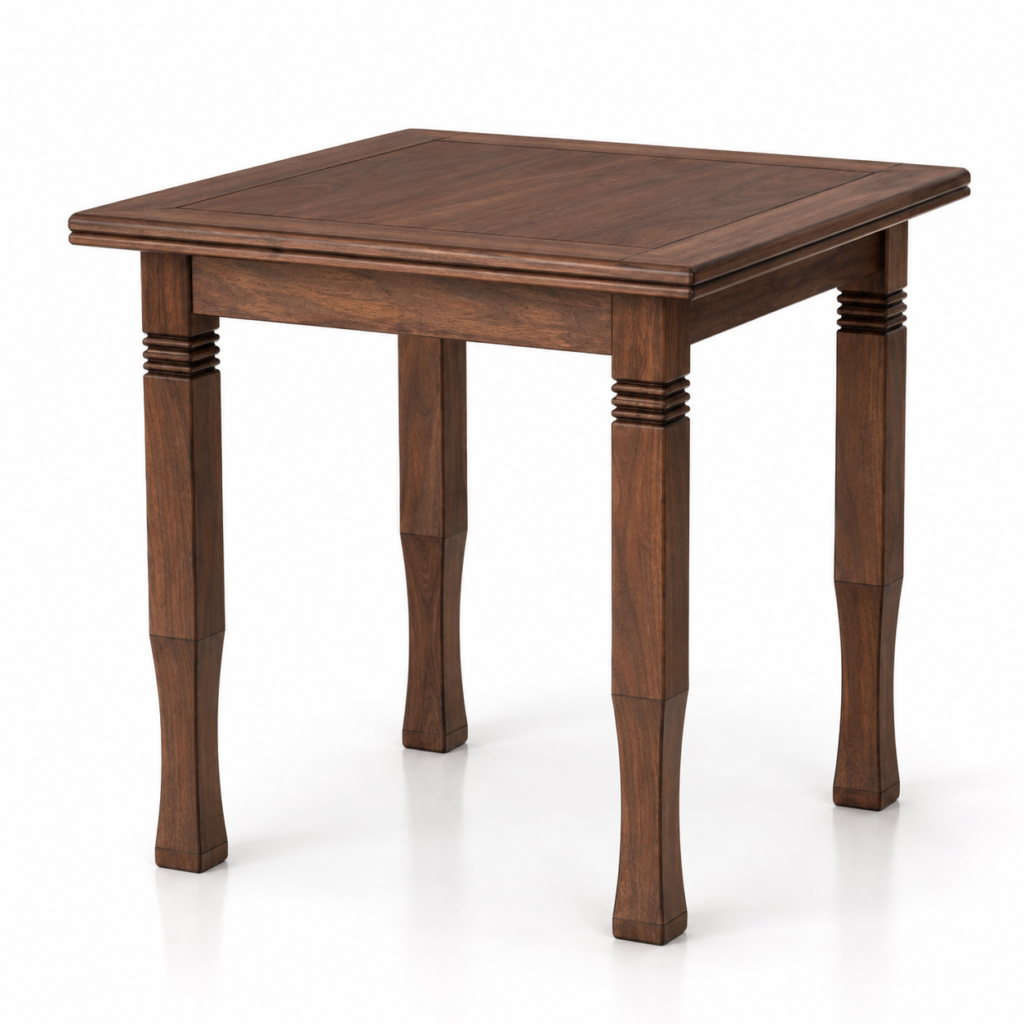
CICCINA
View on 3D Warehouse
Search name:
RC-CICCINA Small Dining Table
View details
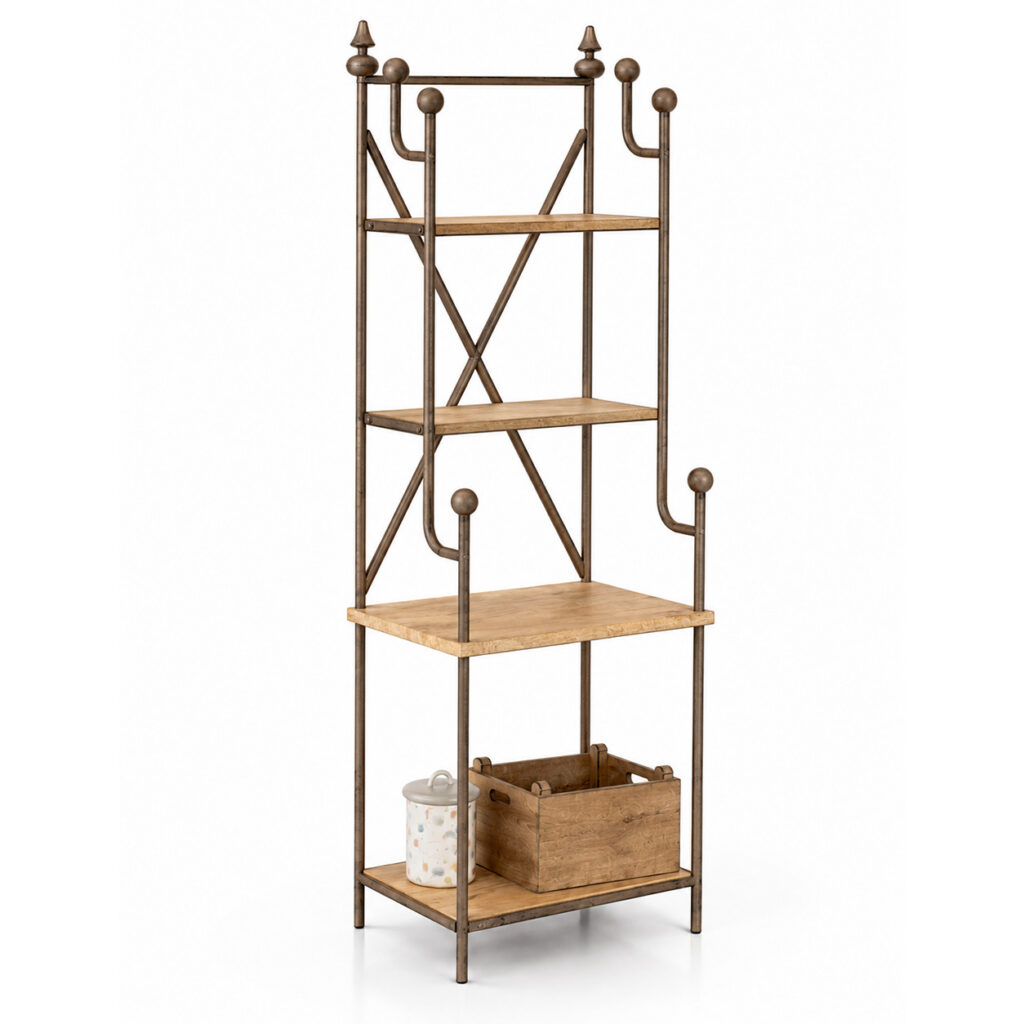
DORO
View on 3D Warehouse
Search name:
RC-DORO Rustic Kitchen Shelf
View Details
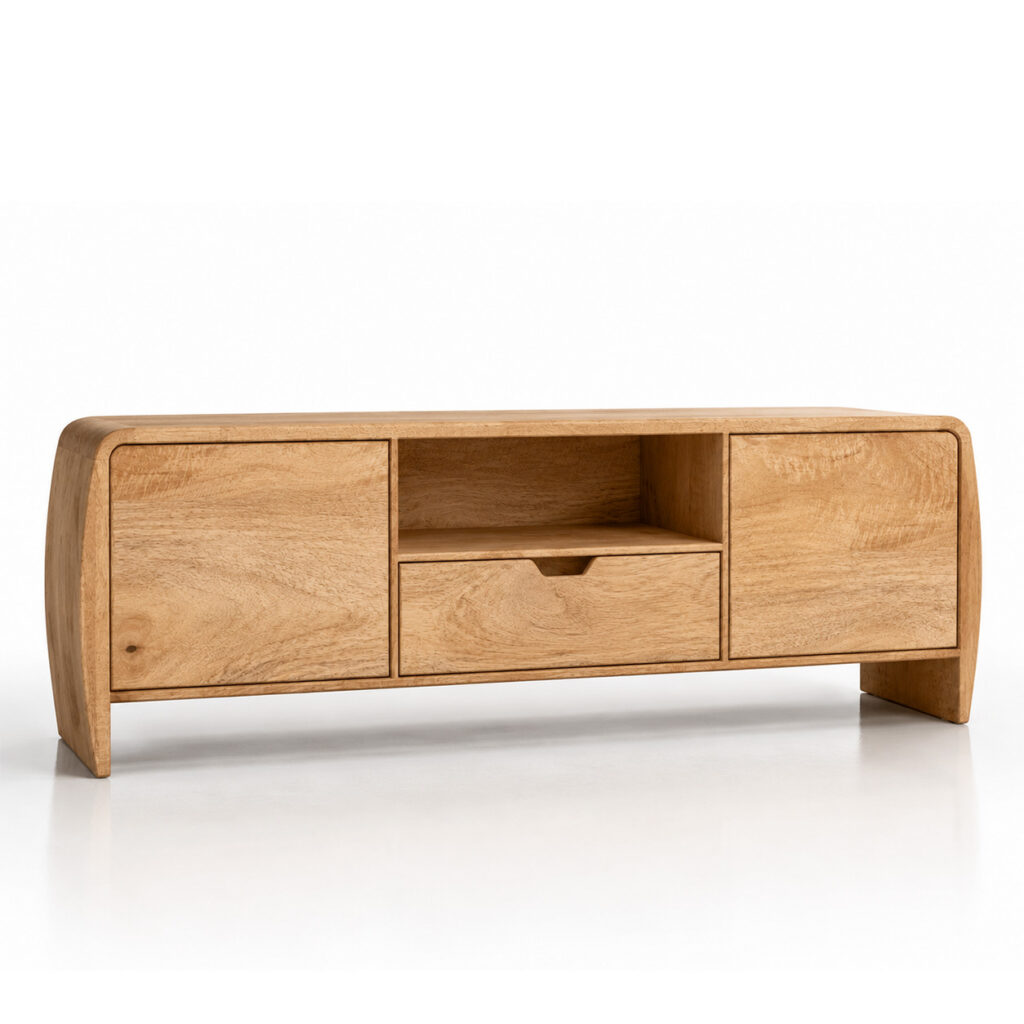
ENZO
View on 3D Warehouse
Search name:
RC-ENZO Mango Wood Lowboard
View Details
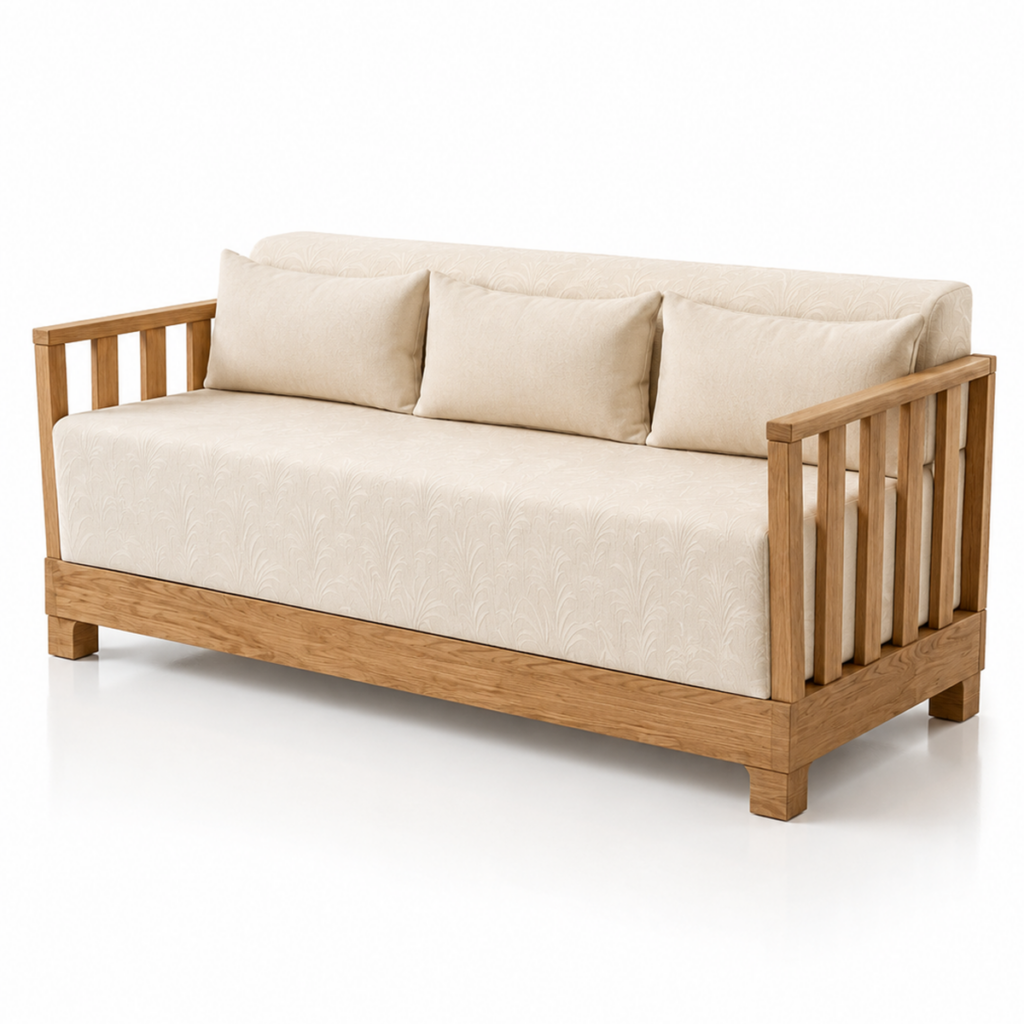
FORNIDA
View on 3D Warehouse
Search name:
RC-FORNIDA Wooden Daybed
View Details
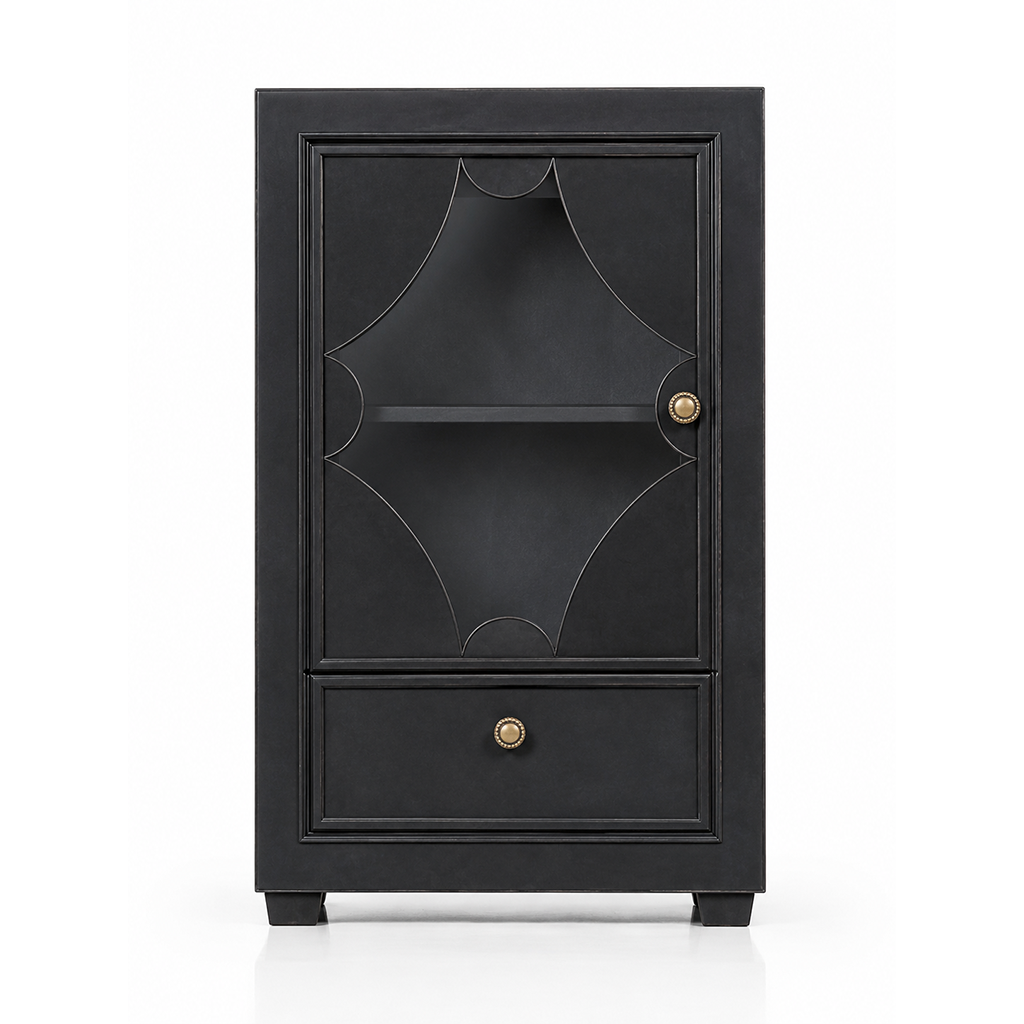
GAIA
View on 3D Warehouse
Search name:
RC-GAIA Small Display Cabinet
View Details
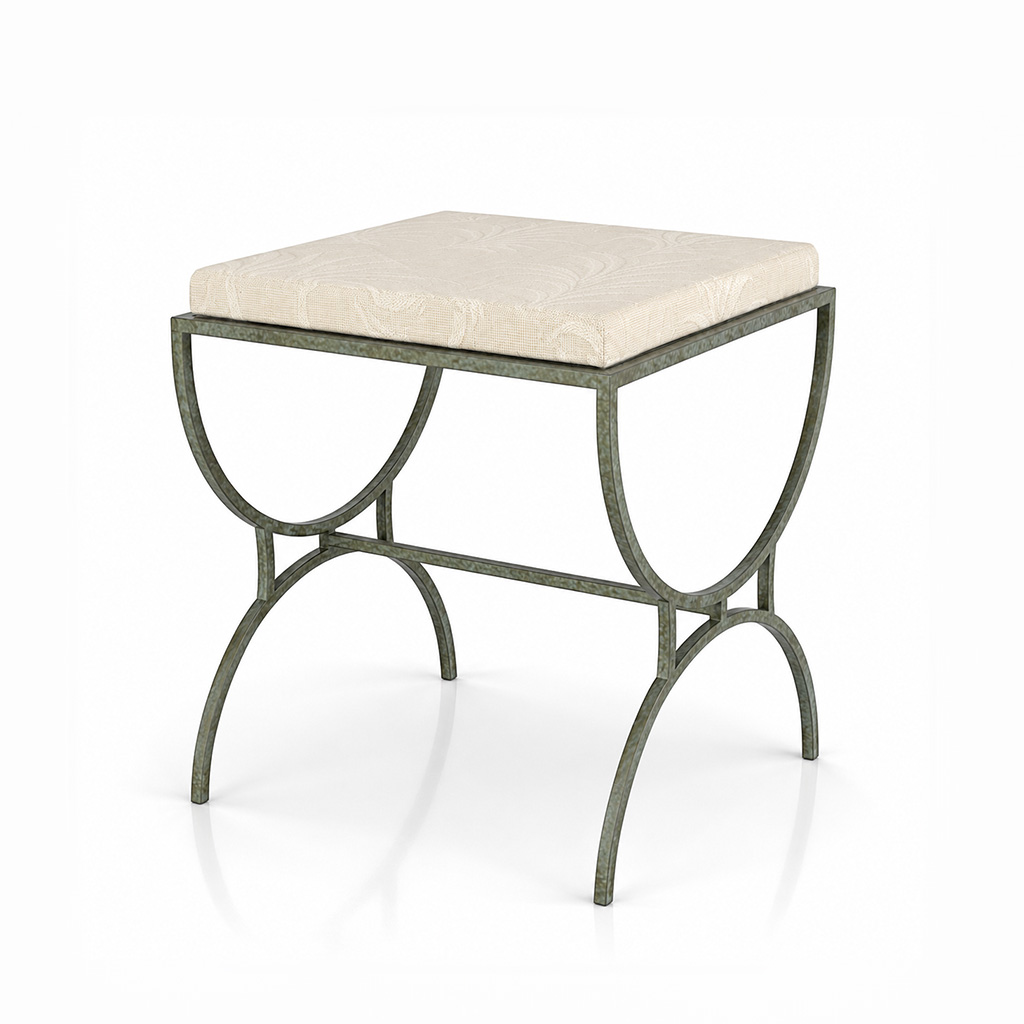
HANNO
View on 3D Warehouse
Search name:
RC-HANNO Iron Stool
View Details
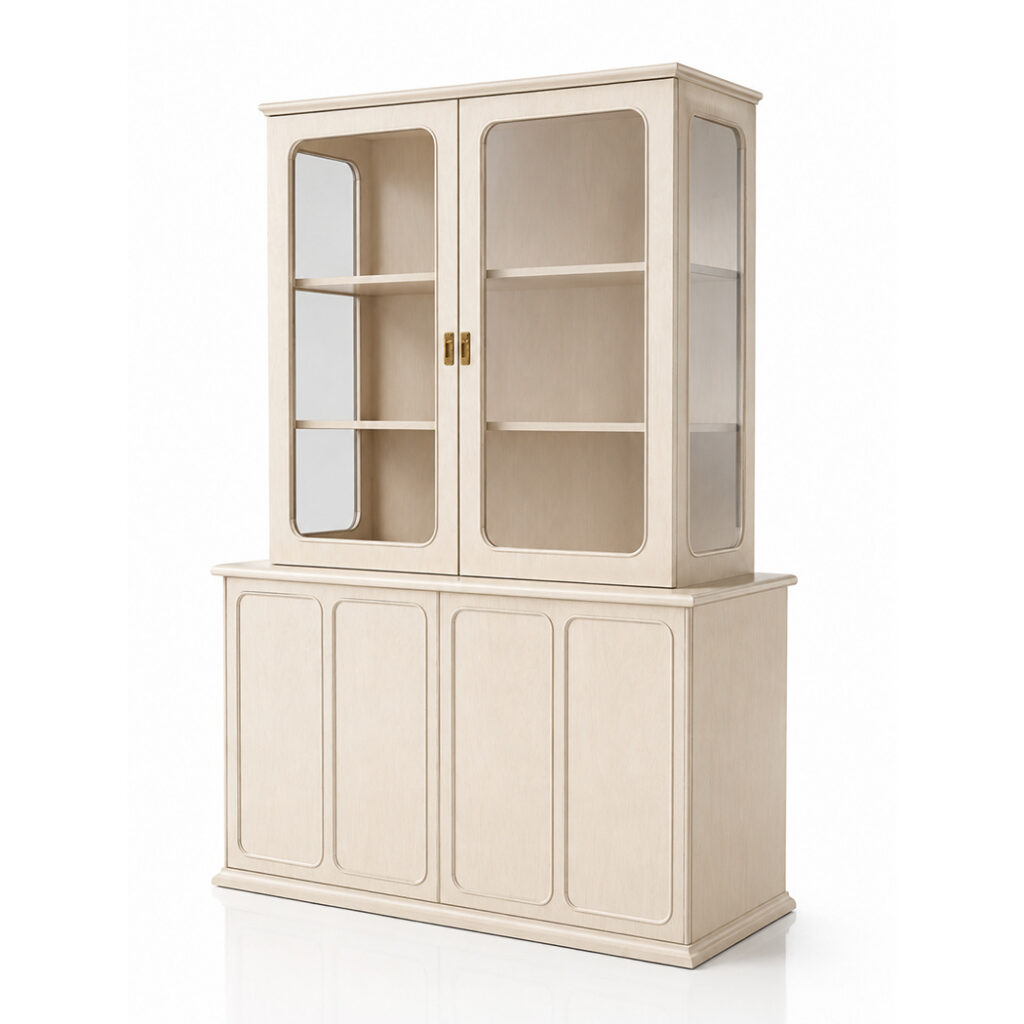
IBERIA
View on 3D Warehouse
Search name:
RC-IBERIA Glass Display Sideboard
View Details
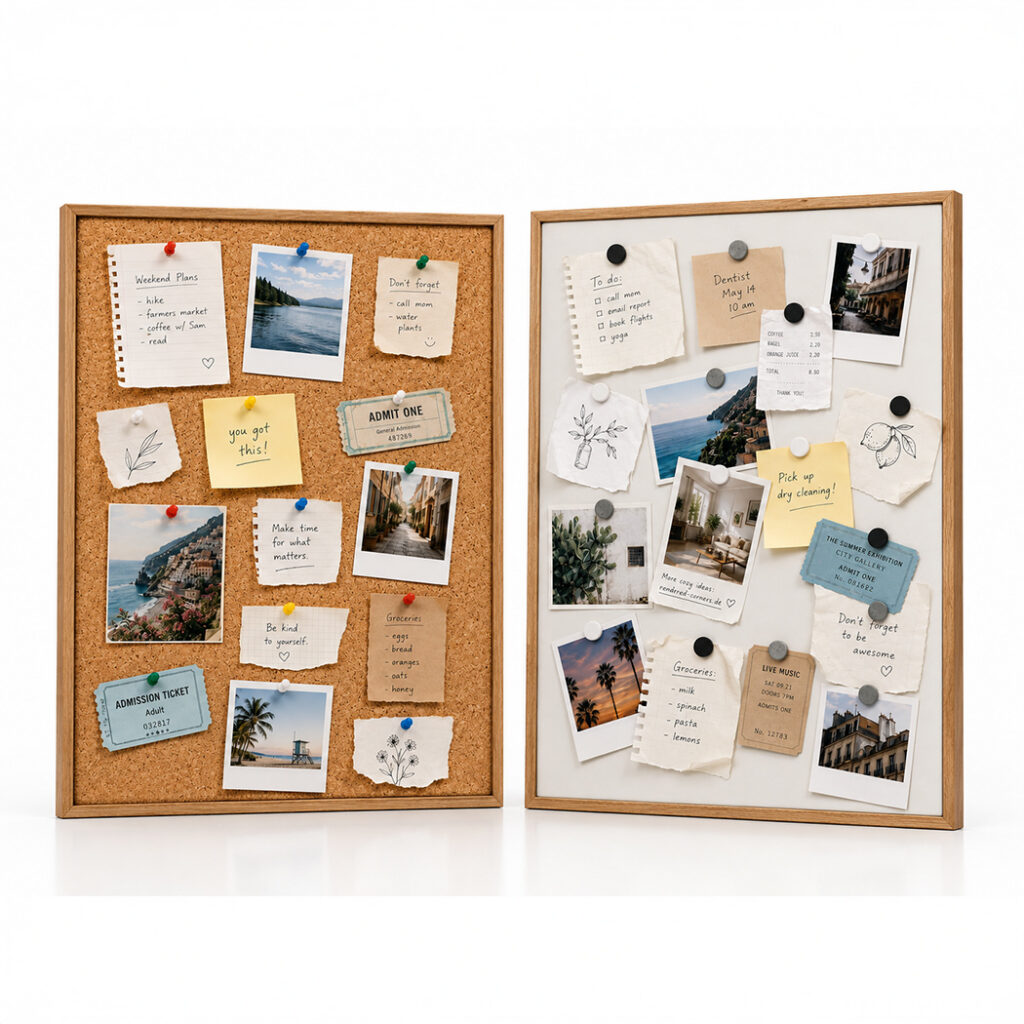
JOSEPHINE (Set)
View on 3D Warehouse
Search name:
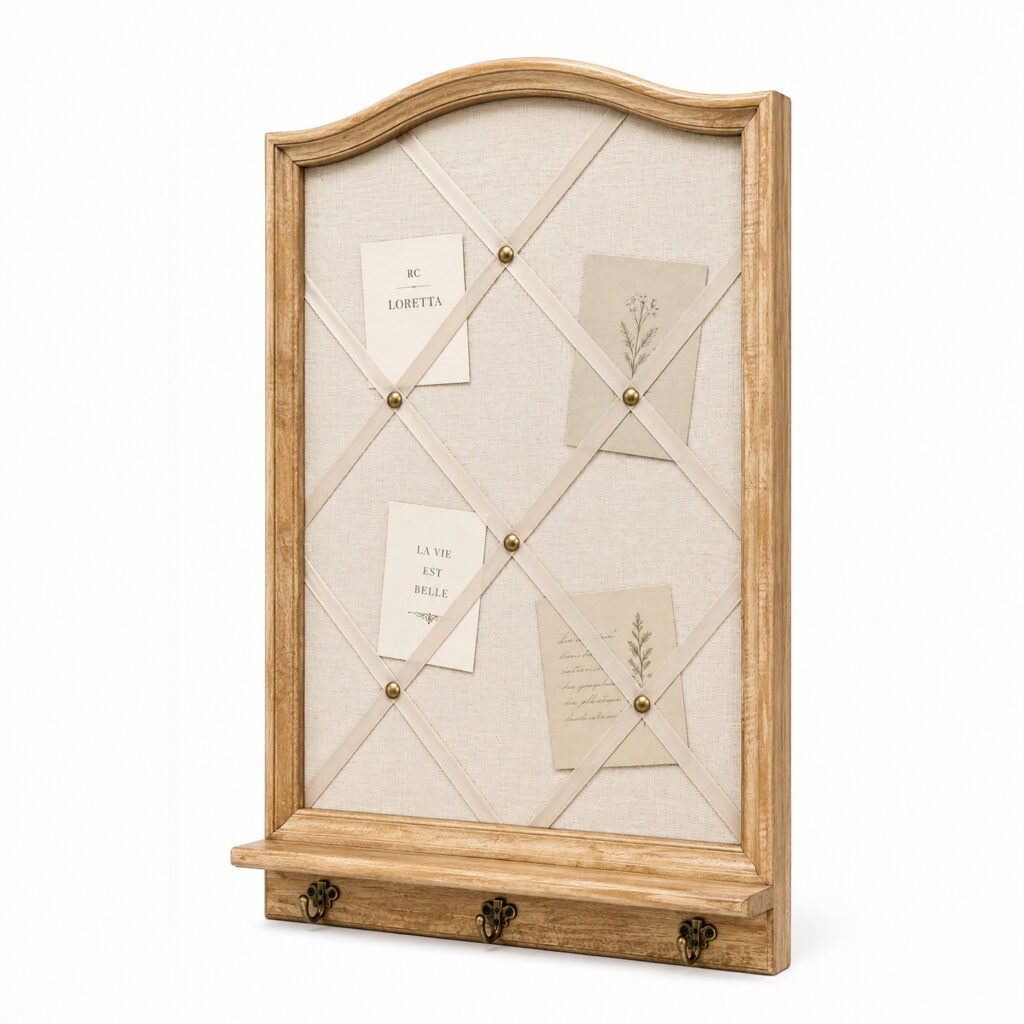
RC-JOSEPHINE Memo Board Set
View Details
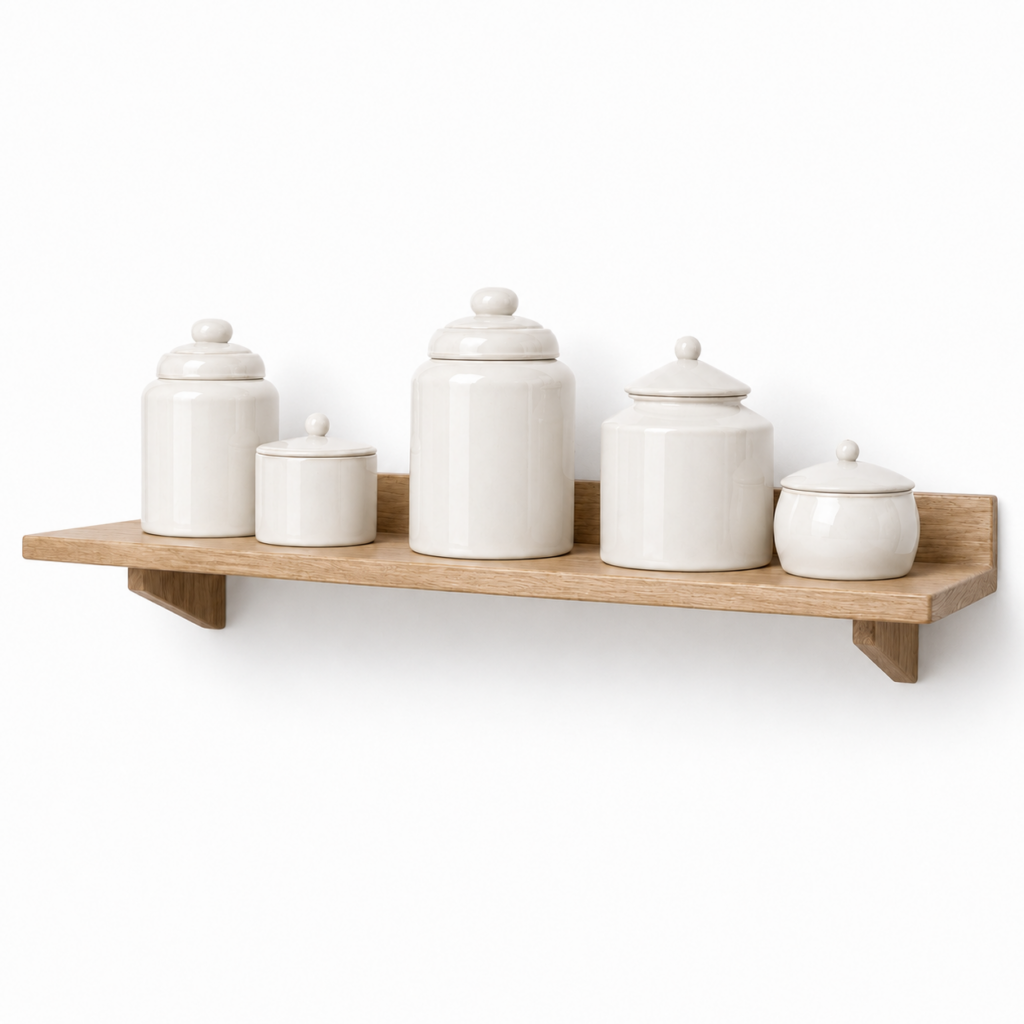
KAYLEE
View on 3D Warehouse
Search name:
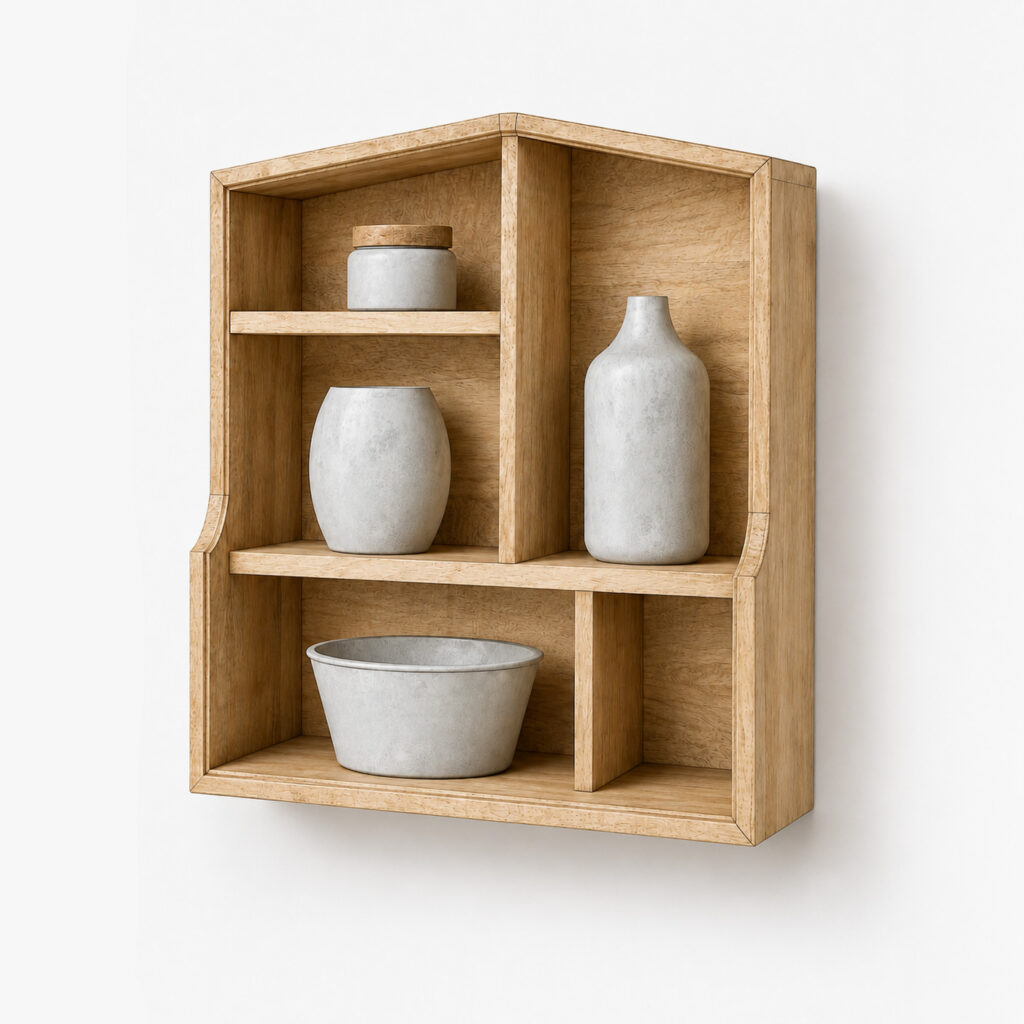
RC-KAYLEE Wall Shelf with Porcelain Jars
View Details
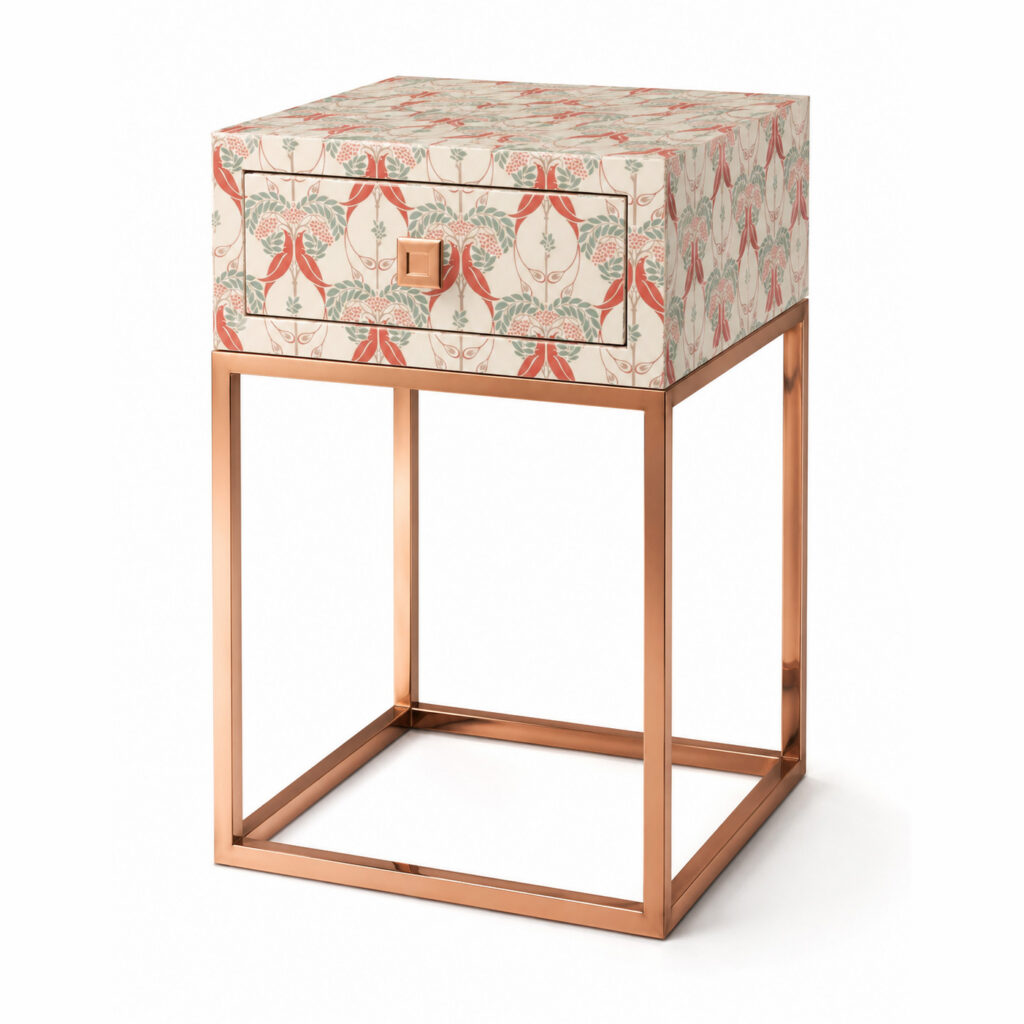
LAUREL
View on 3D Warehouse
Search name:
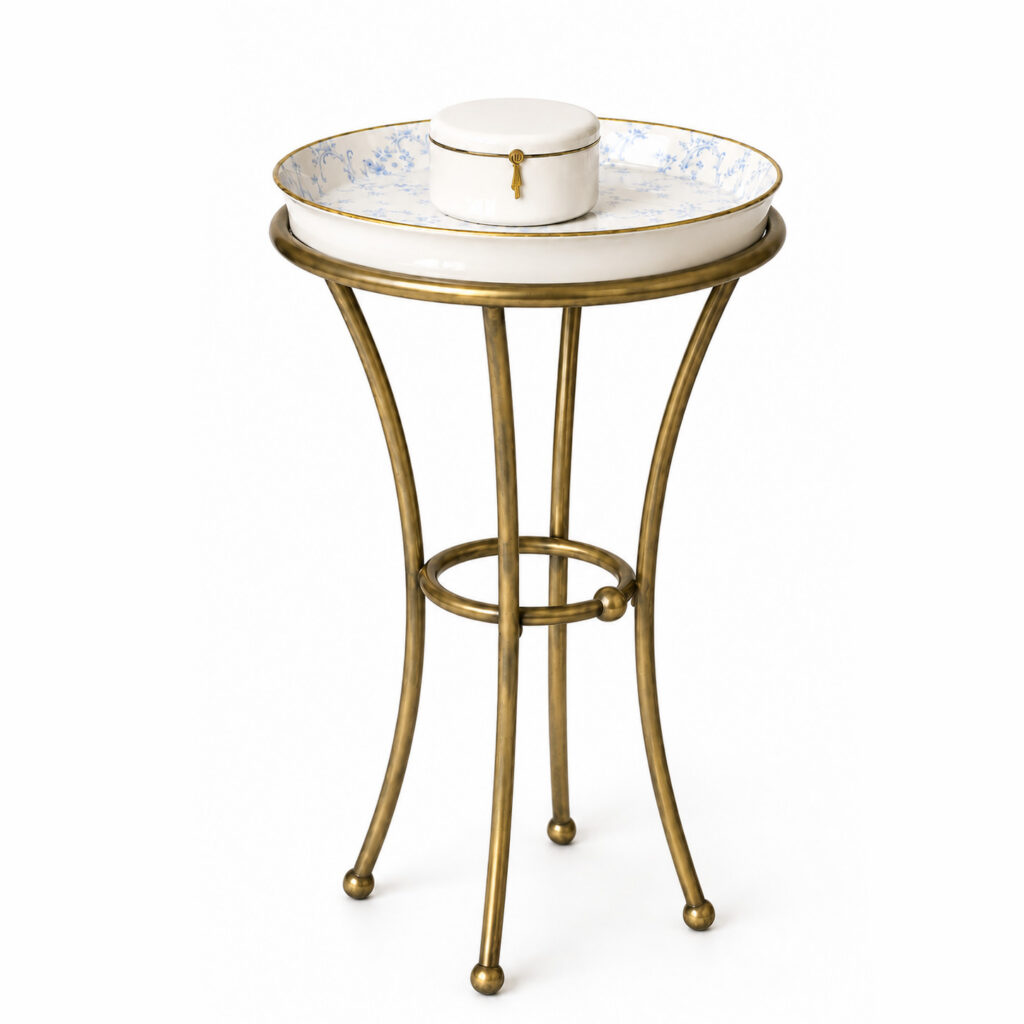
RC LAURAL Side Table with floral top
View Details
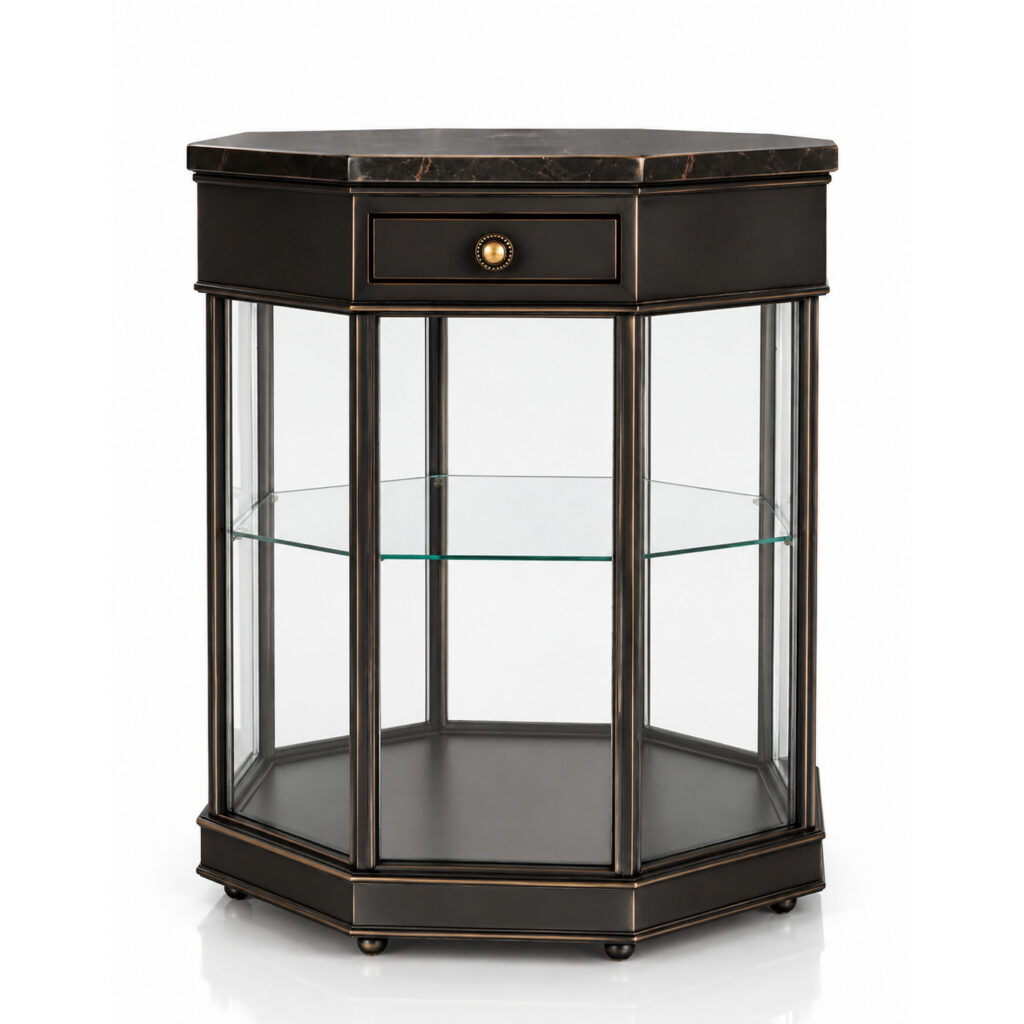
MARISA
View on 3D Warehouse
Search name:
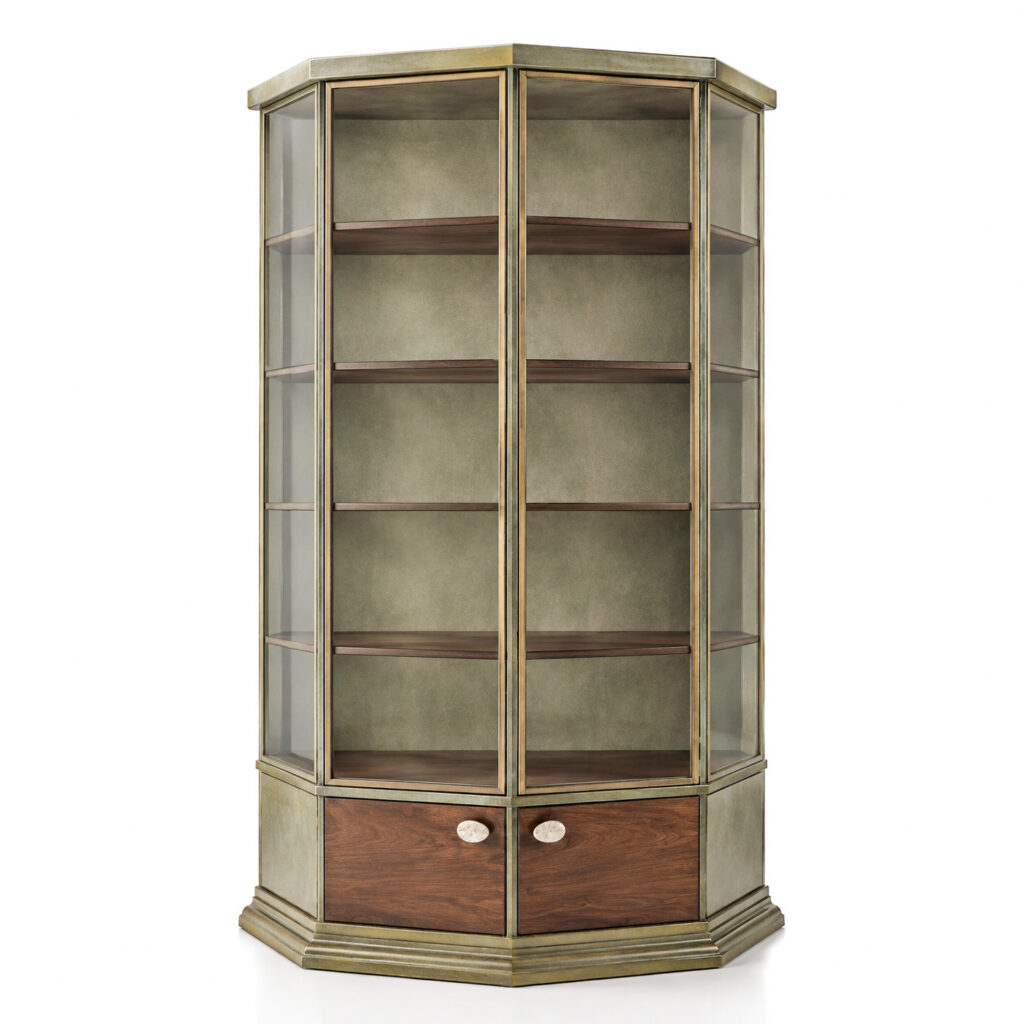
RC MARISA Octagonal Display Cabinet
View Details
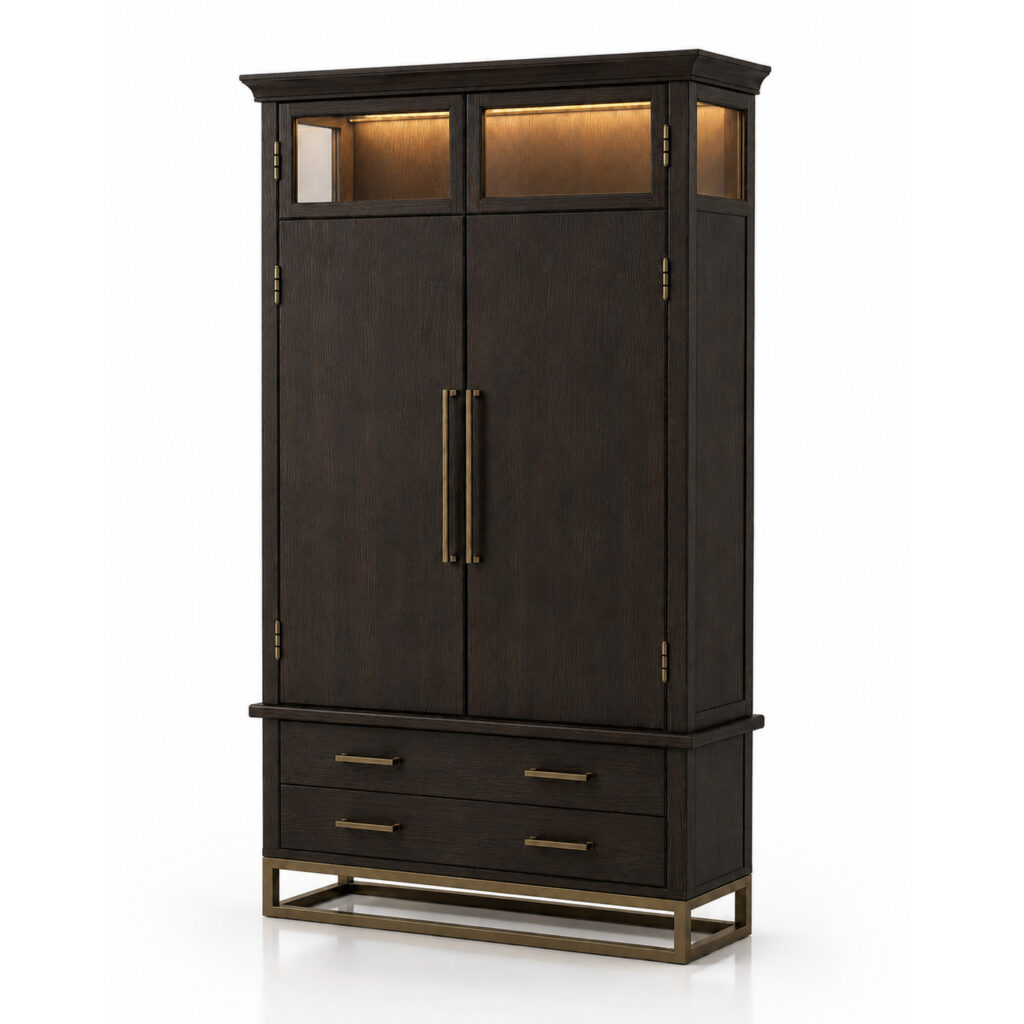
NIGEL
View on 3D Warehouse
Search name:
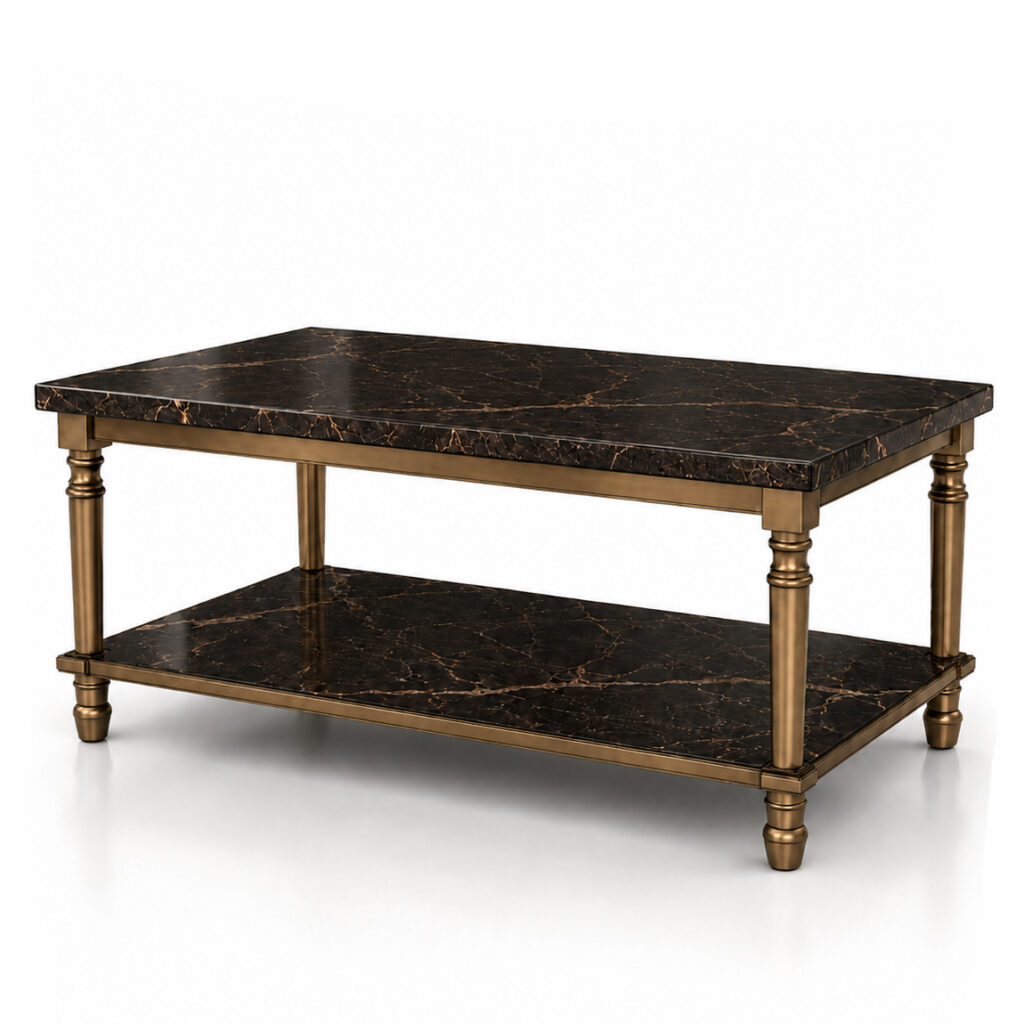
RC NIGEL Dark Wood Cabinet
with Glass Top
View Details
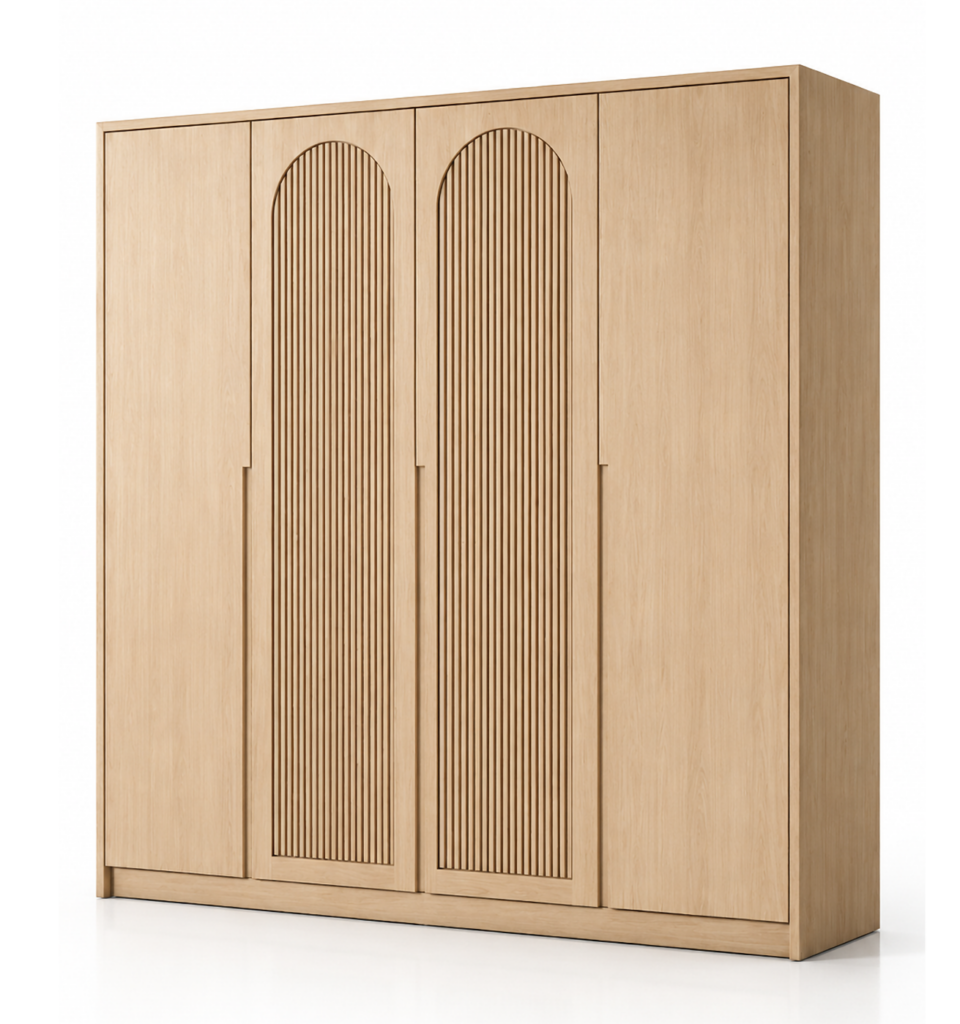
OSCAR
View on 3D Warehouse
Search name:
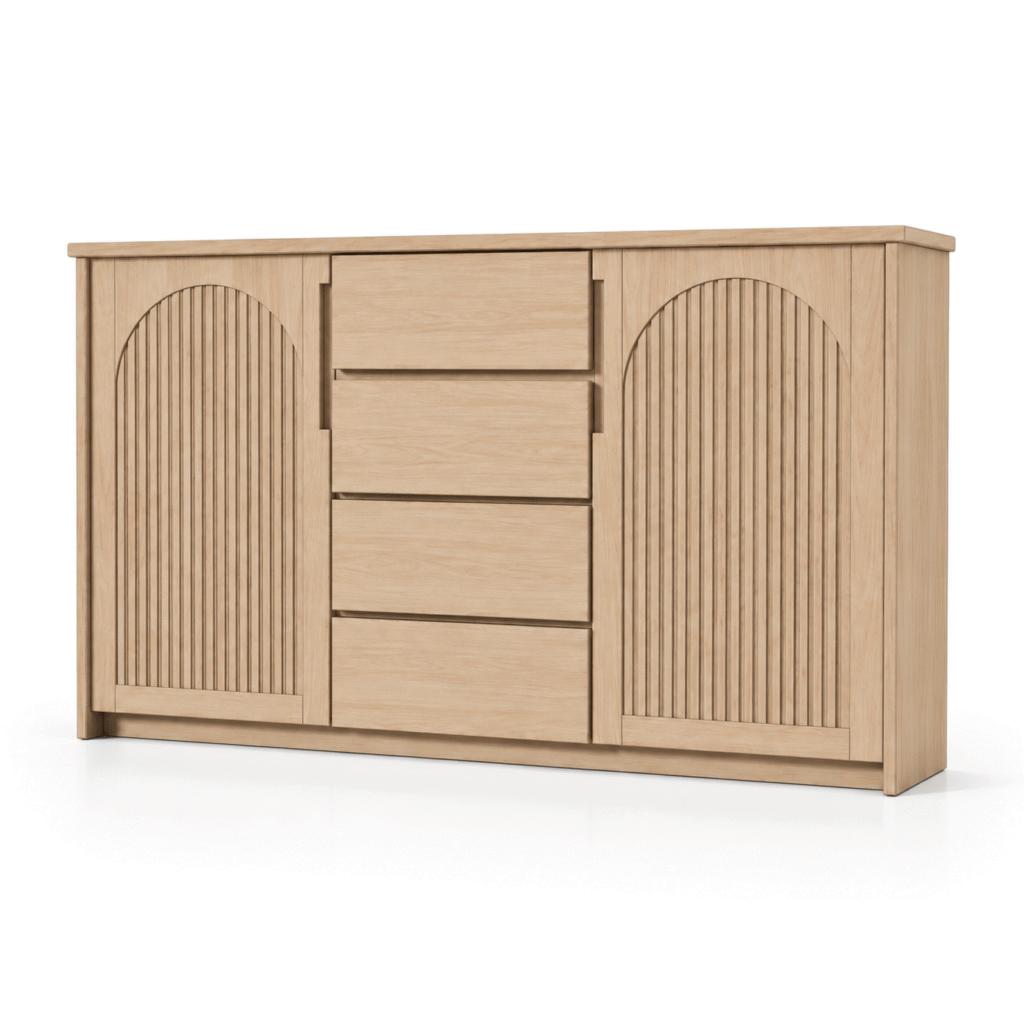
RC OSCAR Scandinavian Light Oak Wardrobe
View Details
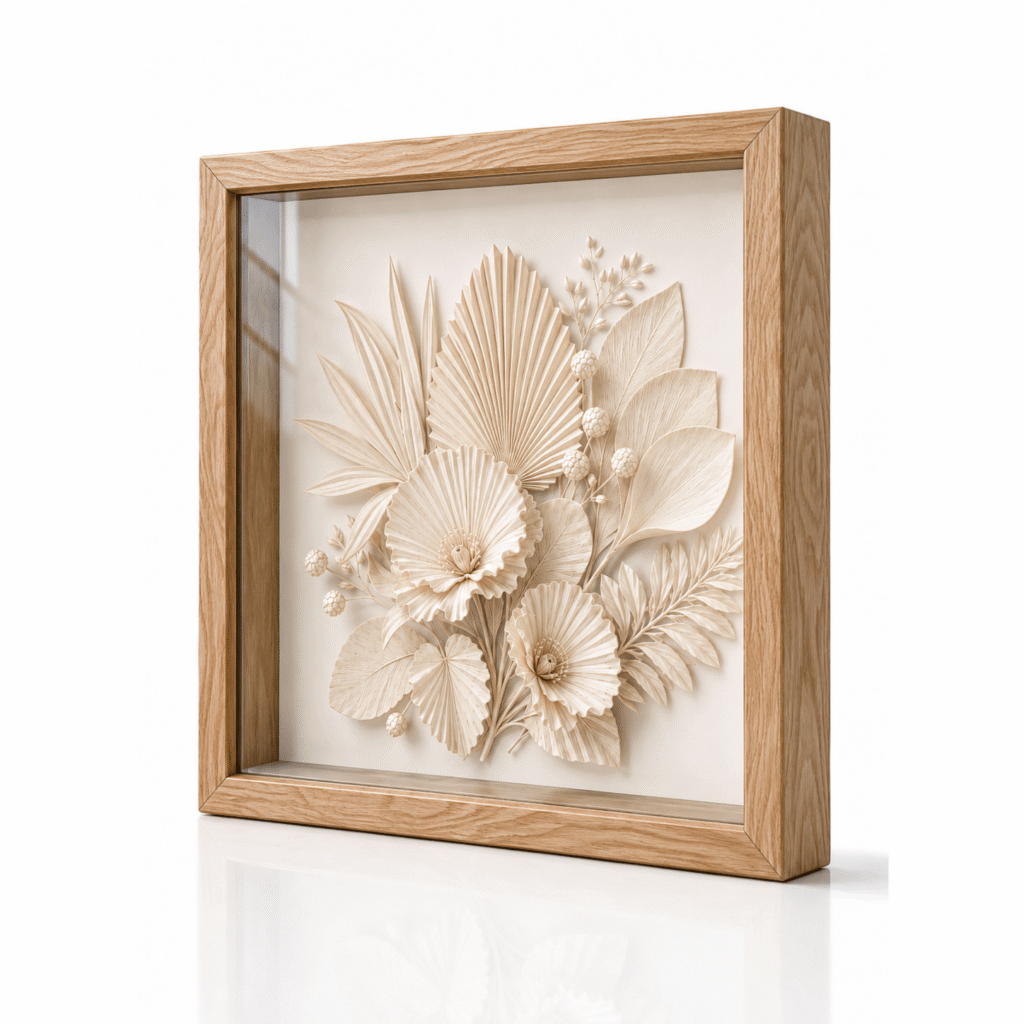
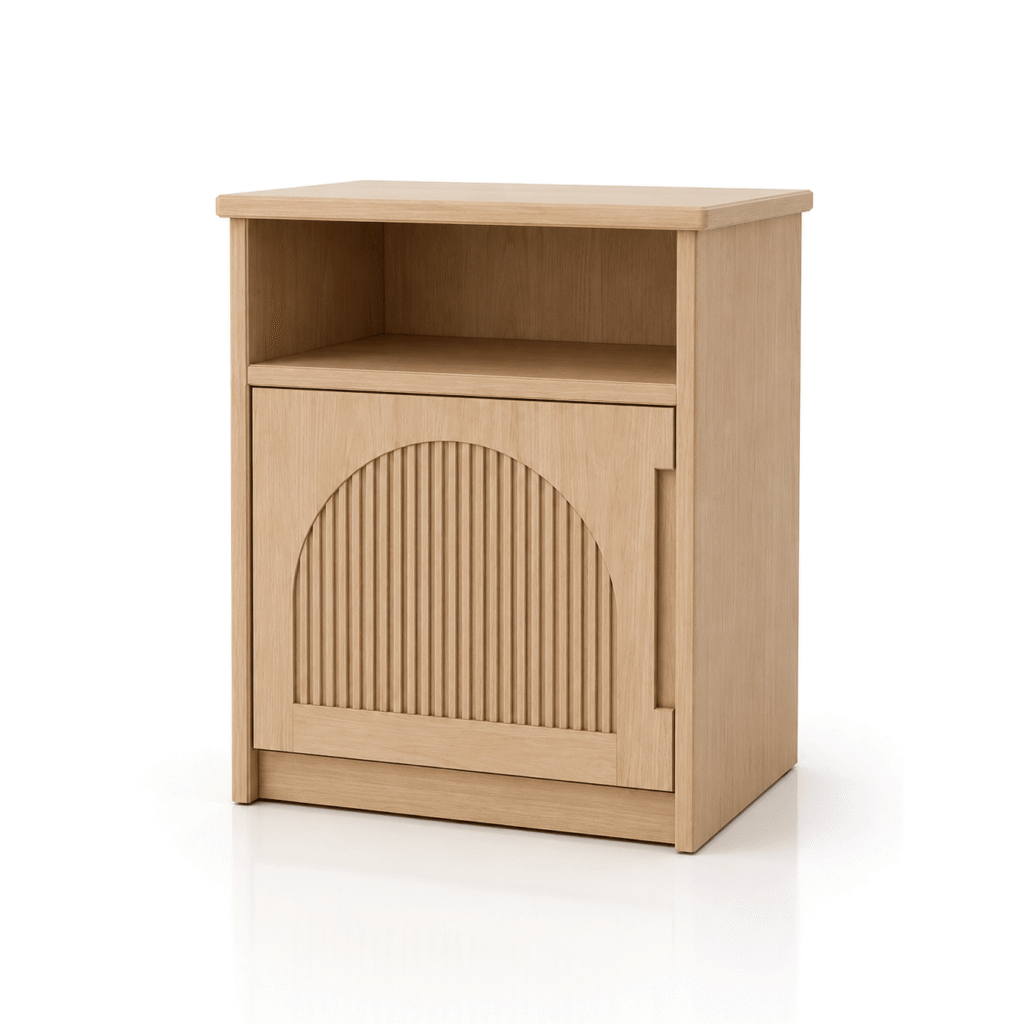
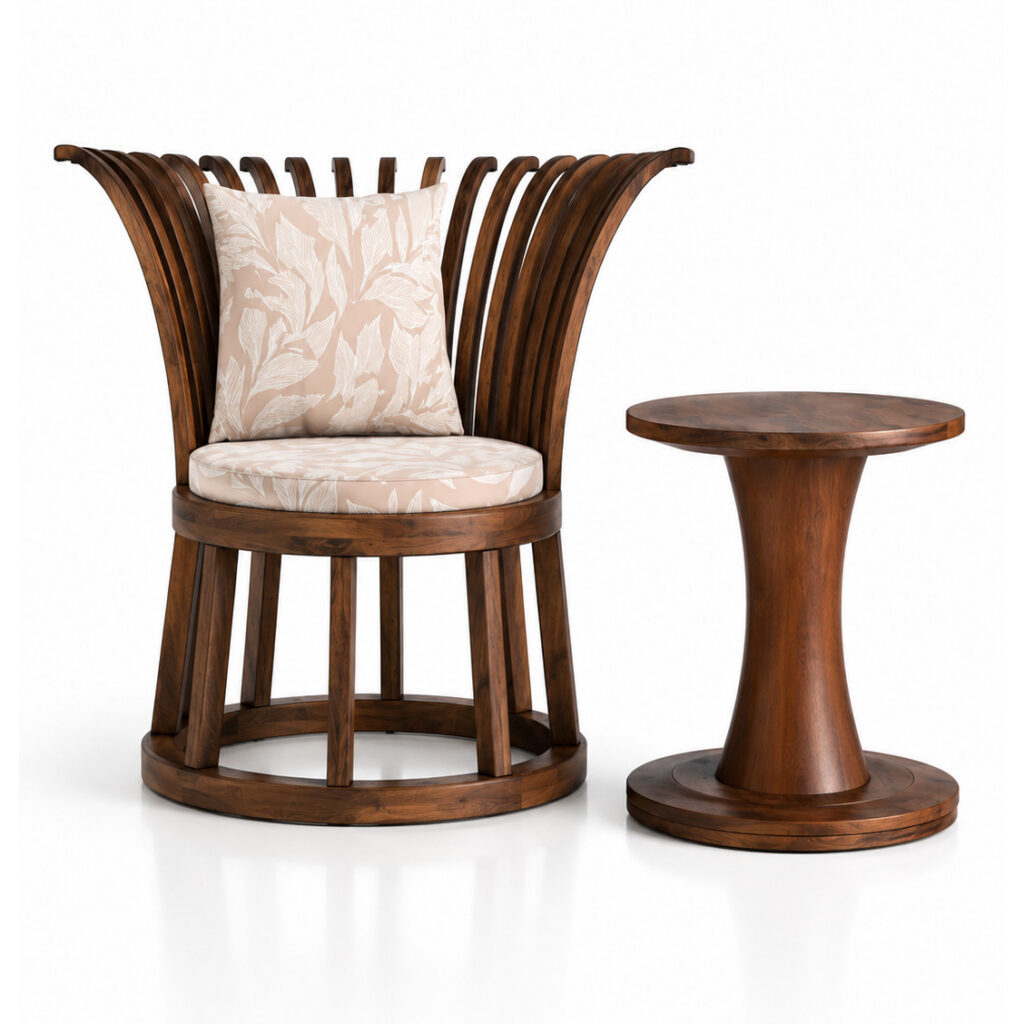

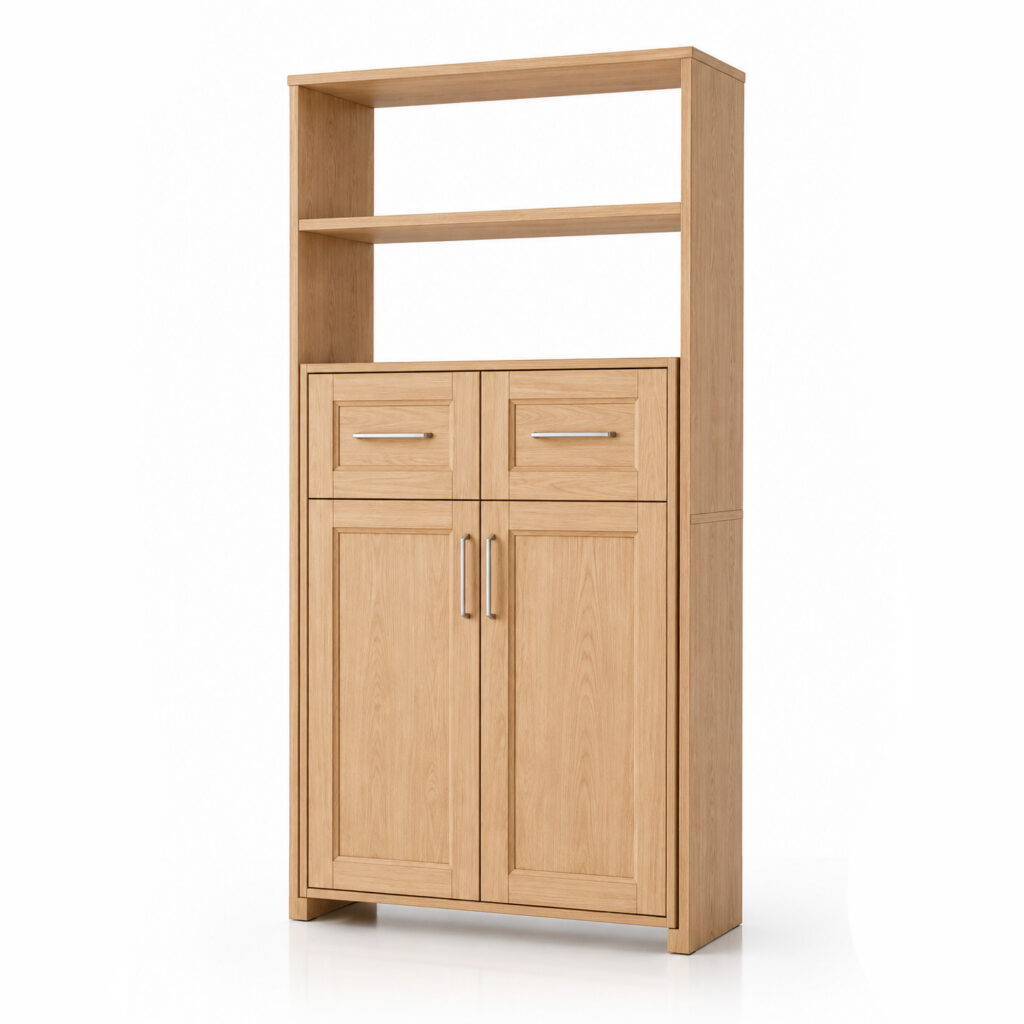
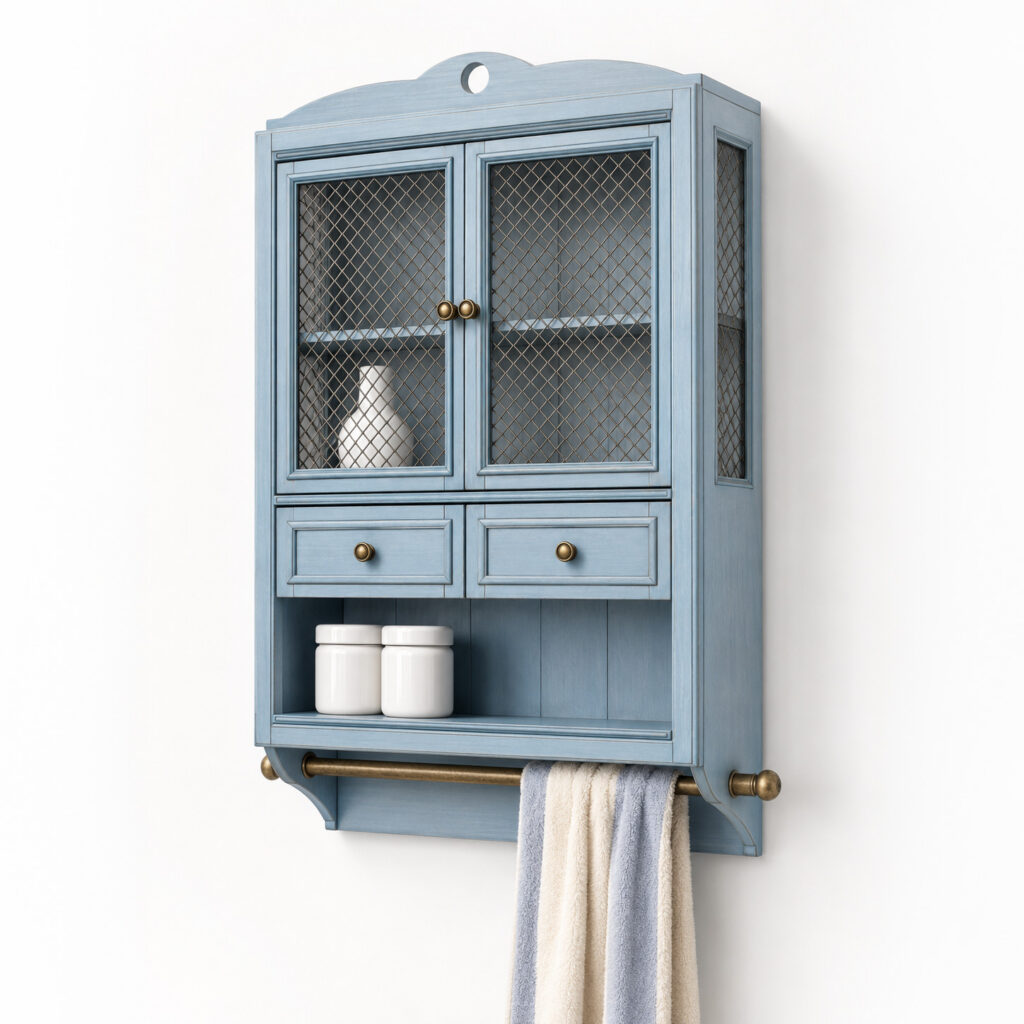
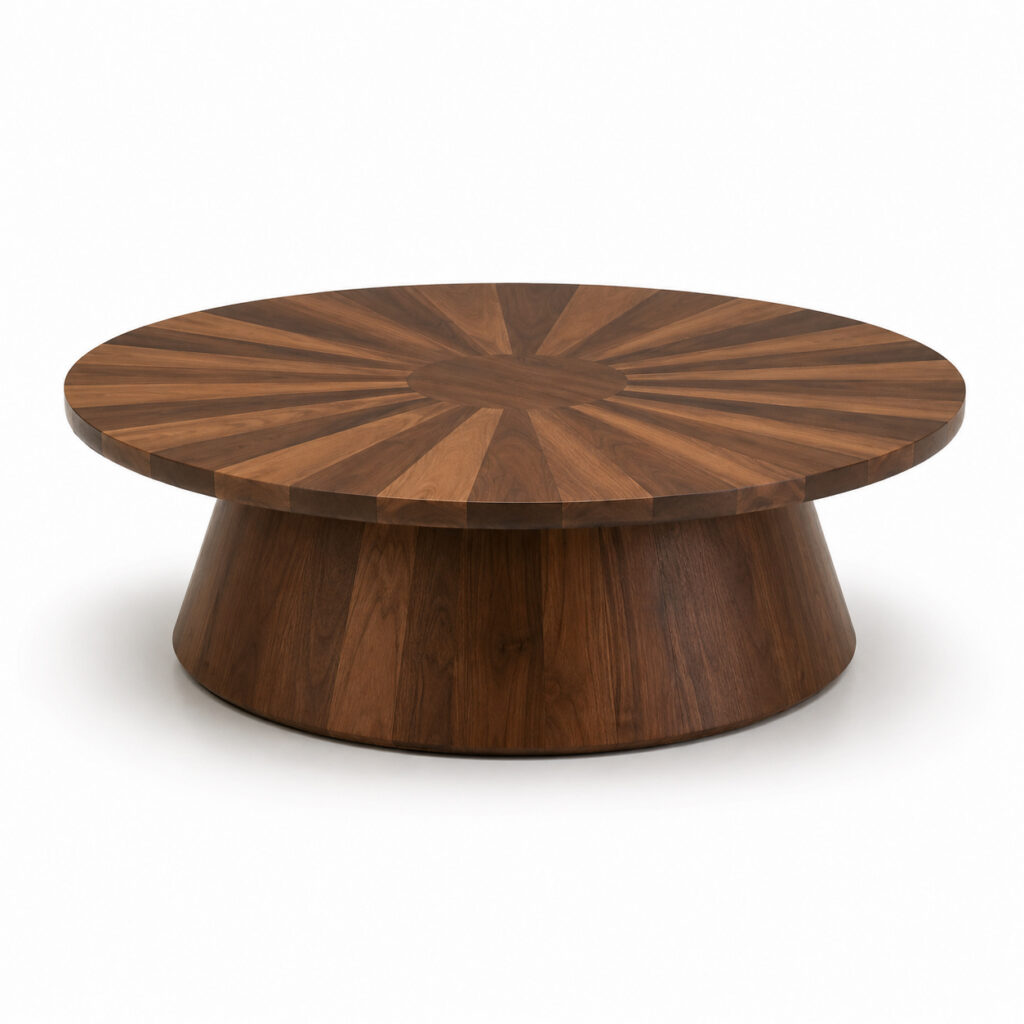
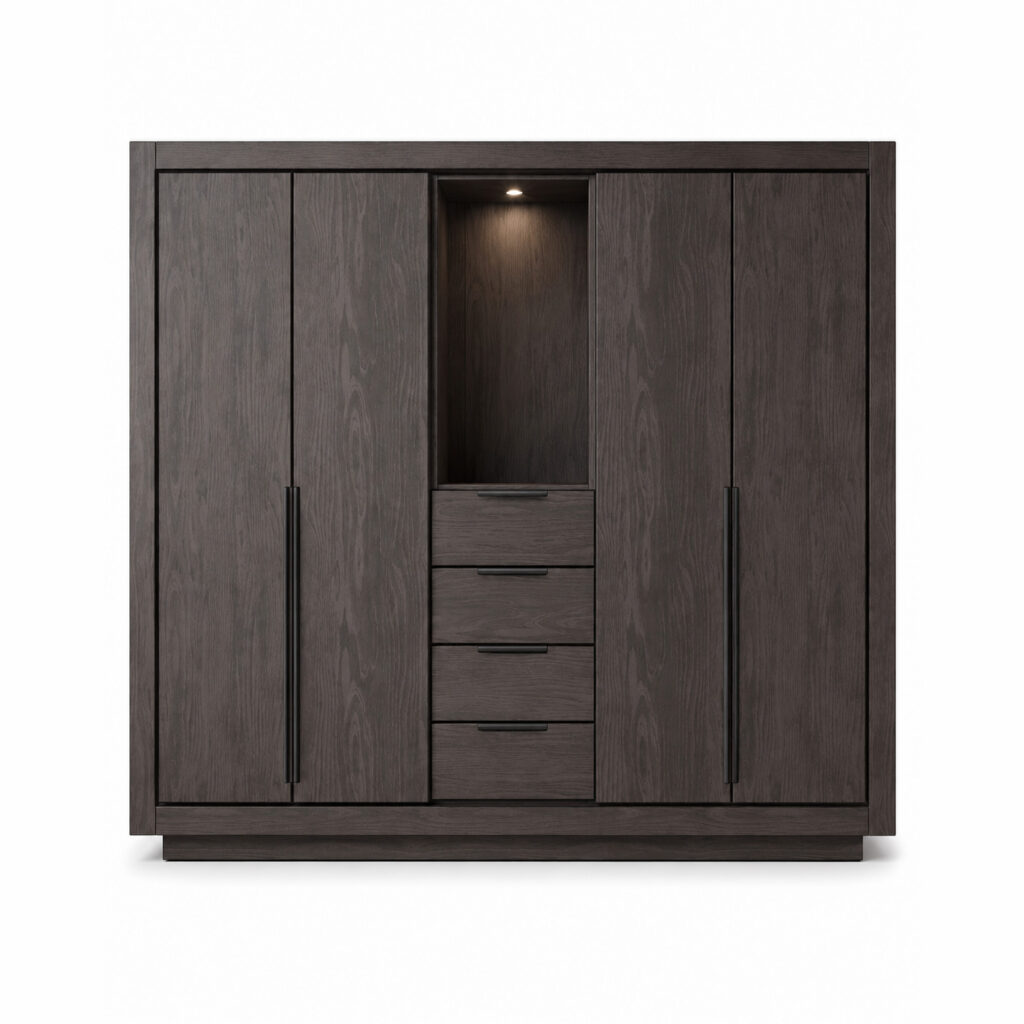
MIRA Wardrobe
View Details and Download
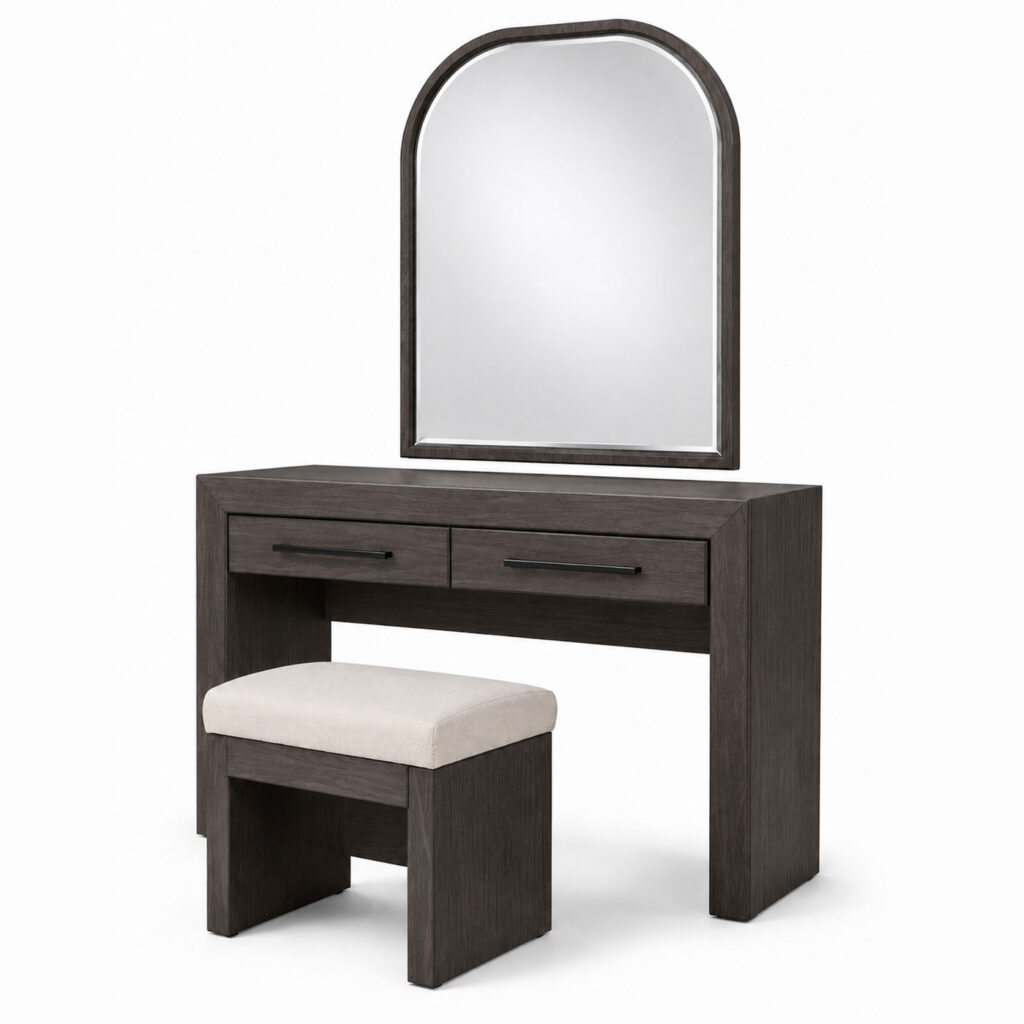
MIRA Vanity Table
View Details and Download
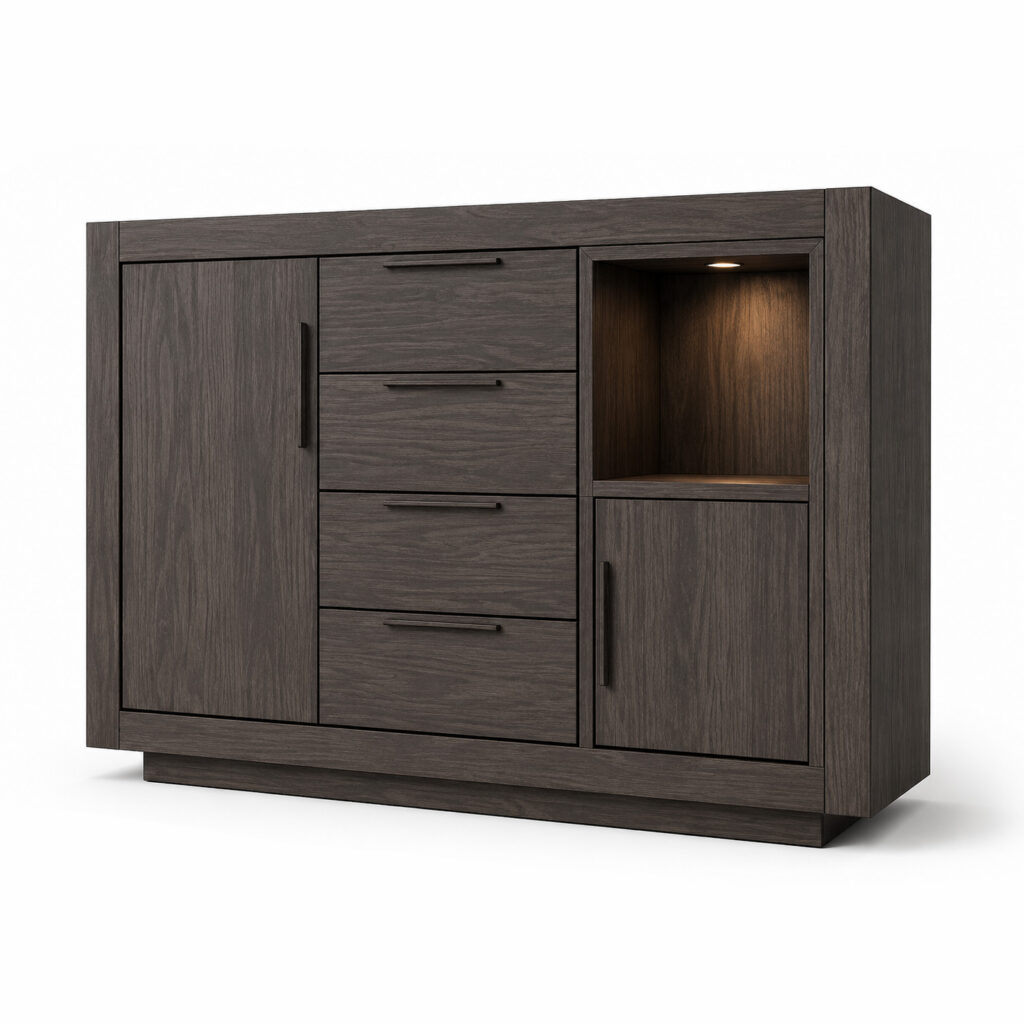
MIRA Linen Chest
View Details and Download